Solutions


Services


Why DeltaXignia
Business Need

Version Control & Collaboration

Data Consistency & Management

AI & Automation
Industry

Aviation

Manufacturing

Legal
Markup & Data Format

XML

JSON

HTML
Business Need
Version Control & Collaboration
Data Consistency & Management
AI & Automation
Industry
Aviation
Manufacturing
Legal
Markup & Data Format
XML
JSON
HTML
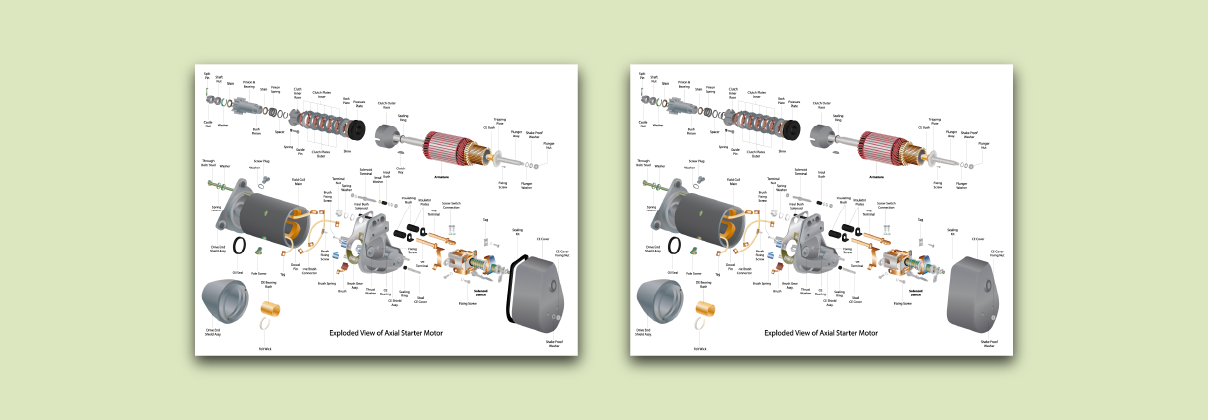
Here at DeltaXignia we’re always looking to make additional improvements to our products, because we always want to make sure we provide our customers with the best quality features for managing change in XML content. In the last months, major releases of our flagship product, XML Compare, have come with improved performance – up to 40% faster – and a complete overhaul to the way we compare content held in the CALS table model. Our latest major release, version 13.0, builds upon these improvements with a great new feature – SVG comparison!
Scalable Vector Graphics (SVG) is an open XML standard created and developed by the World Wide Web Consortium (W3C) for specifying two-dimensional images, supporting interactivity and animation. ‘Scalable what now?’, you might ask. Well, SVG is a vector-based image, so it describes the geometry of the lines and shapes in the image rather than specifying the colour of each pixel in a grid as a bitmap image does. This means that when you change its size, or scale it, it still displays as it should and doesn’t become pixelated. This is particularly beneficial for responsive websites, where content creators must accommodate the diverse range of devices users may employ to view the site. The format has gained such widespread acceptance that tools like Adobe’s Express’ Free SVG Converter are employed to convert JPEG and PNG images into SVGs prior to their inclusion in documentation.
What does code behind the image look like? That depends on the complexity of the image, of course. At its simplest, we can define an image containing just a single circle in just a few lines. However, an image like the one we used in our recent competition containing many objects, text and CSS for surface shading can run to tens of thousands of lines of code that are indecipherable to a human reader.

SVG Circle

SVG Code to make a circle
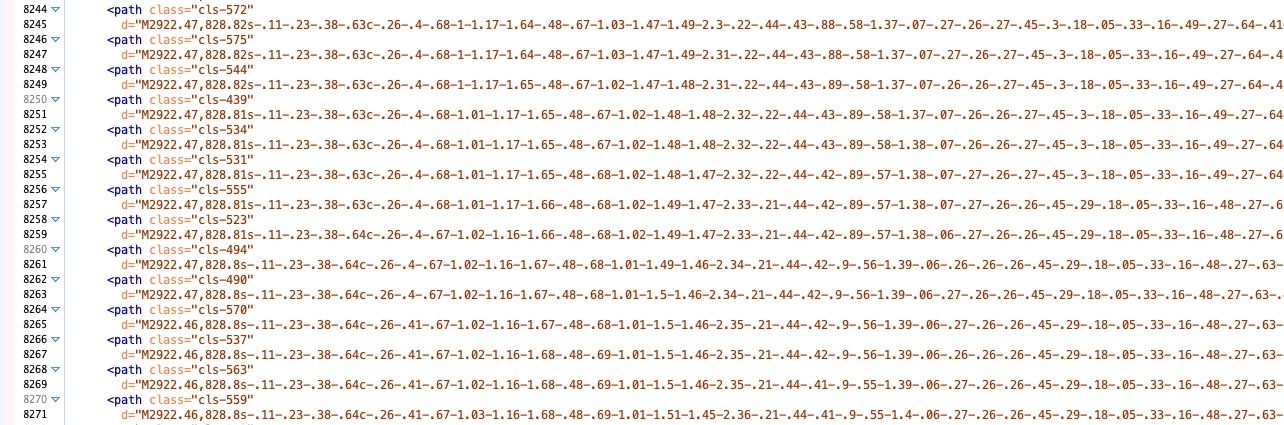
Complex SVG Code
As well as its use on websites, SVG has made its way into common usage in XML standards commonly used for technical documentation, such as DITA and DocBook. It’s easy to see why. These XML grammars include other XML-based standards such as MathML, CALS tables and SVG within them. It’s an easy way to bring additional features to a standard without having to reinvent the wheel and means that we can process these additional features with standard tools. Even when documents are published to PDF rather than the web, it still makes sense to make use of SVG images to bring maximum flexibility in the final publication.
The benefit of highlighting changes in SVG builds on the capabilities we already provide, enabling content owners, managers, and publishers to see exactly how their documentation changes from one version to the next. While some people choose to use this capability internally, during review cycles, for example, an increasing number of technical publishers are choosing to make a ’redline’ publication available to their end users. We also see a tremendous benefit for those content owners who need to evidence change to regulatory authorities. The ability to automatically produce a change report for regulators removes the headache of doing it manually. And we never miss a change.
If you’re using SVG in your technical documentation and you’d like to see exactly how the images change from one version to the next, download a trial of XML Compare today and give your eyes a break. And if you’d like an extra challenge, look out for another competition at a conference near you!




From ISO Quality Services Ltd.